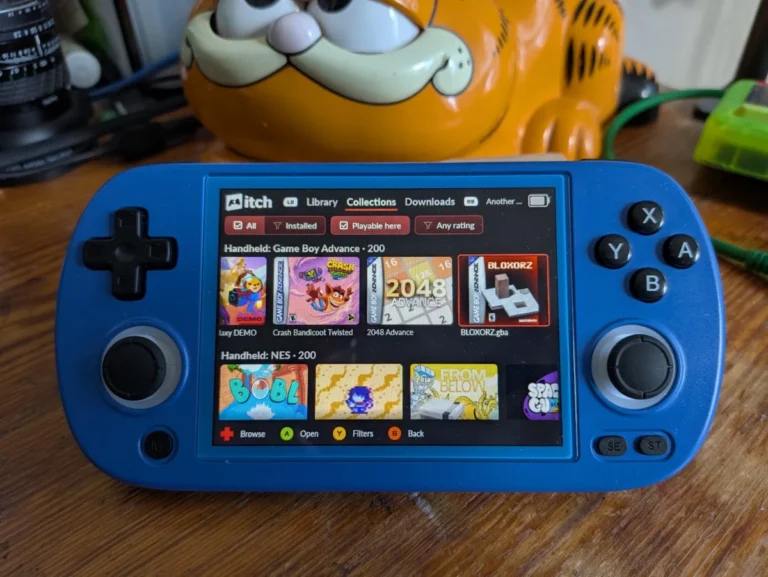
The itch.io desktop application has recently received a series of substantial updates, culminating in versions v26.15.0 and v26.17.0, with a critical hotfix, v26.18.0, addressing a macOS crashing issue. These releases mark a significant evolution in the app’s functionality, directly tackling long-standing user requests and technical challenges to enhance the overall user experience on the popular indie game marketplace. The primary focus of these updates includes robust integration of game bundles into the user’s library, granular control over game launch settings, the ability to install platform-untagged downloads, and a refined sidebar search interface.
A Foundation of Community-Driven Development
Since its inception, itch.io has distinguished itself as a vibrant, creator-friendly platform for independent video games and digital content. Its ethos centers on empowering developers with flexible tools for publishing and selling their work, while offering users a vast and diverse library, often characterized by unique, experimental, and socially conscious projects. The itch.io desktop app, designed to streamline the management and playability of a user’s digital collection, has been a cornerstone of this ecosystem, providing a centralized hub for downloads, updates, and library organization.
The development trajectory of the itch.io app has consistently been guided by community feedback. The platform’s open-source nature and active issue trackers on GitHub serve as a direct conduit for users to report bugs, suggest features, and engage with the development team. The recent updates are a direct testament to this iterative, user-centric approach, with developers explicitly stating they "dug through our issues tracker and addressed some of the most commonly requested problems and requests." This commitment to refining the user experience based on real-world usage underscores itch.io’s dedication to its community.
Addressing a Critical Bug: The macOS Hotfix (v26.18.0)
Immediately following the rollout of the major feature updates, a critical issue emerged affecting macOS users, causing the application to crash unexpectedly. Recognizing the severity of this disruption to user access, the itch.io team swiftly deployed a hotfix, version v26.18.0. This rapid response highlights the development team’s commitment to stability and user satisfaction. Users experiencing persistent crash loops on macOS were advised to reinstall the application from the official setup program to ensure the hotfix was properly applied, preventing further interruptions to their gaming experience. This proactive resolution minimized downtime and reinforced user confidence in the platform’s responsiveness.
Comprehensive Bundle Integration: Unlocking Vast Libraries
Perhaps the most impactful enhancement for a significant portion of itch.io’s user base is the complete overhaul of bundle support within the app. Historically, itch.io has been a pioneer in hosting massive, charity-driven game bundles that have garnered international attention and raised millions for various causes. Notable examples include the "Bundle for Racial Justice and Equality," which featured an astonishing 1,741 items and was purchased over 800,000 times, and the "Bundle for Ukraine," offering nearly 1,000 items to over 400,000 buyers.
The sheer scale of these bundles presented a unique technical challenge for traditional ownership tracking. Generating individual download keys for every item for every buyer would have resulted in an unmanageable database footprint, estimated to exceed a billion rows for the Racial Justice bundle alone. Consequently, ownership for these monumental bundles was recorded differently: a single record covered the entire bundle, and individual game download keys were only generated when a user manually "claimed" each game via the itch.io website.
This previous system, while necessary for database efficiency, created a significant hurdle for app users. Games acquired through these vast bundles would not automatically appear in their desktop app library until each one had been individually claimed on the website, often leading to a disjointed and cumbersome experience for discovering and installing content. Many users, overwhelmed by the sheer volume of games, would only claim a fraction of their purchased library, leaving countless titles unplayed and unexplored within the app.
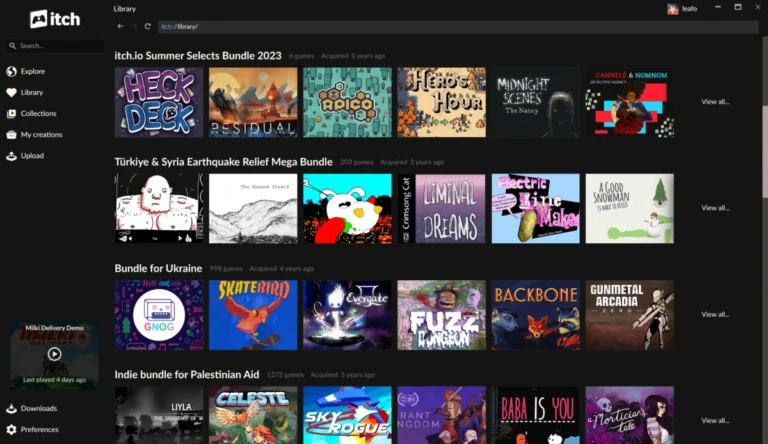
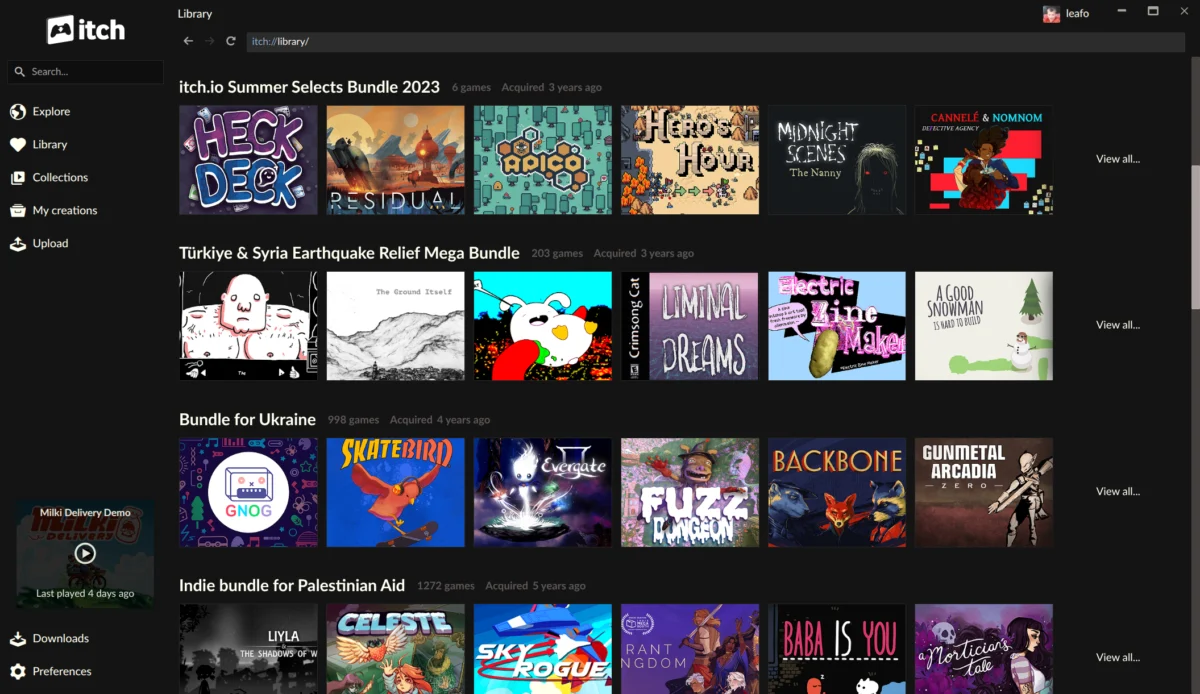
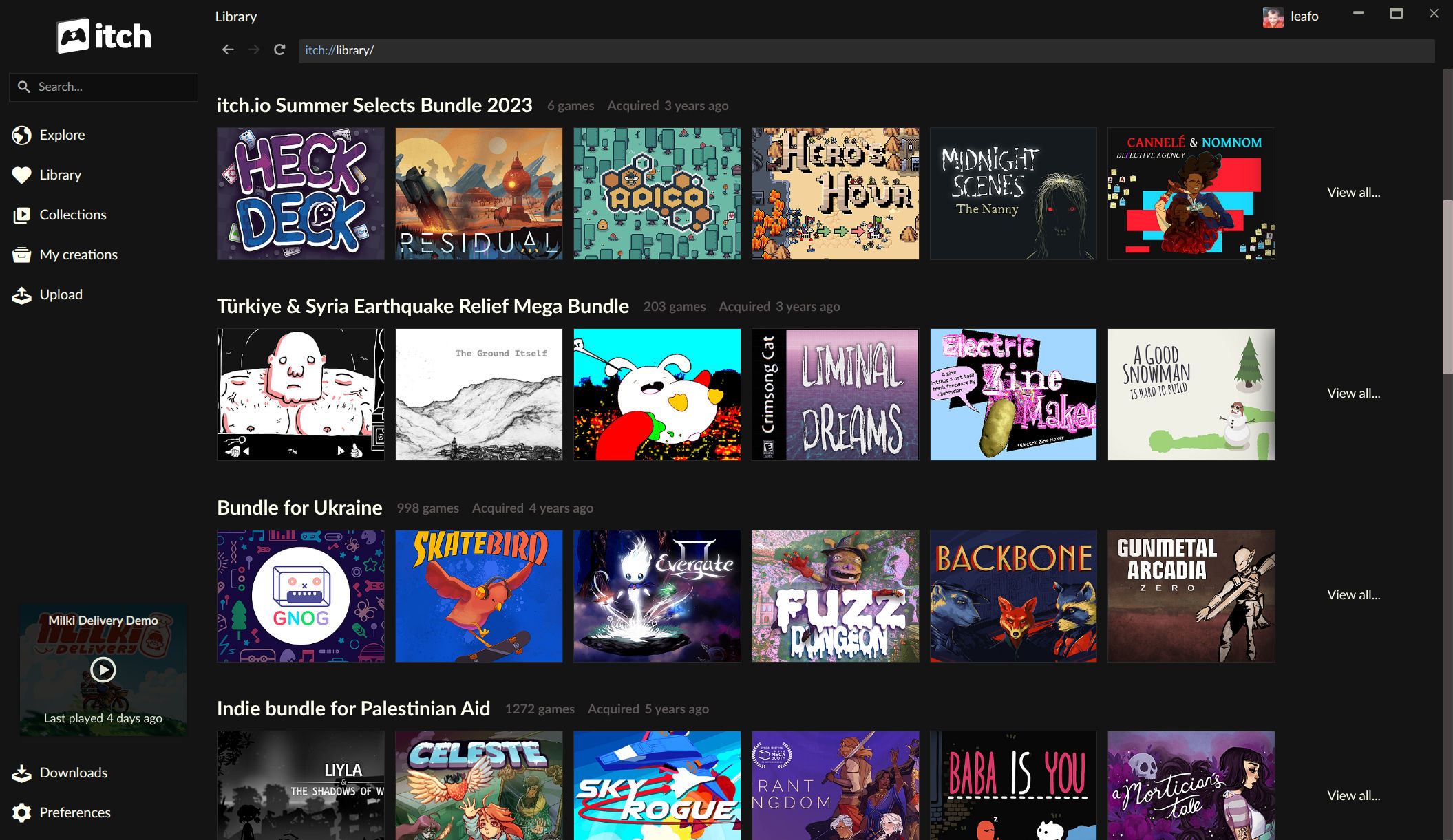
With the new updates, the itch.io app now possesses a native understanding of this unique bundle ownership model. Bundles that a user owns are now treated as "first-class" entities within the library, each receiving its own dedicated page. These bundle pages provide a comprehensive listing of every game contained within, complete with powerful organizational tools. Users can now sort, search by title, and filter games within a bundle by platform, classification, and installed status, mirroring the functionality available for individual game listings. Crucially, games can now be installed directly from the bundle page, eliminating the prior necessity of claiming each title via the web browser.
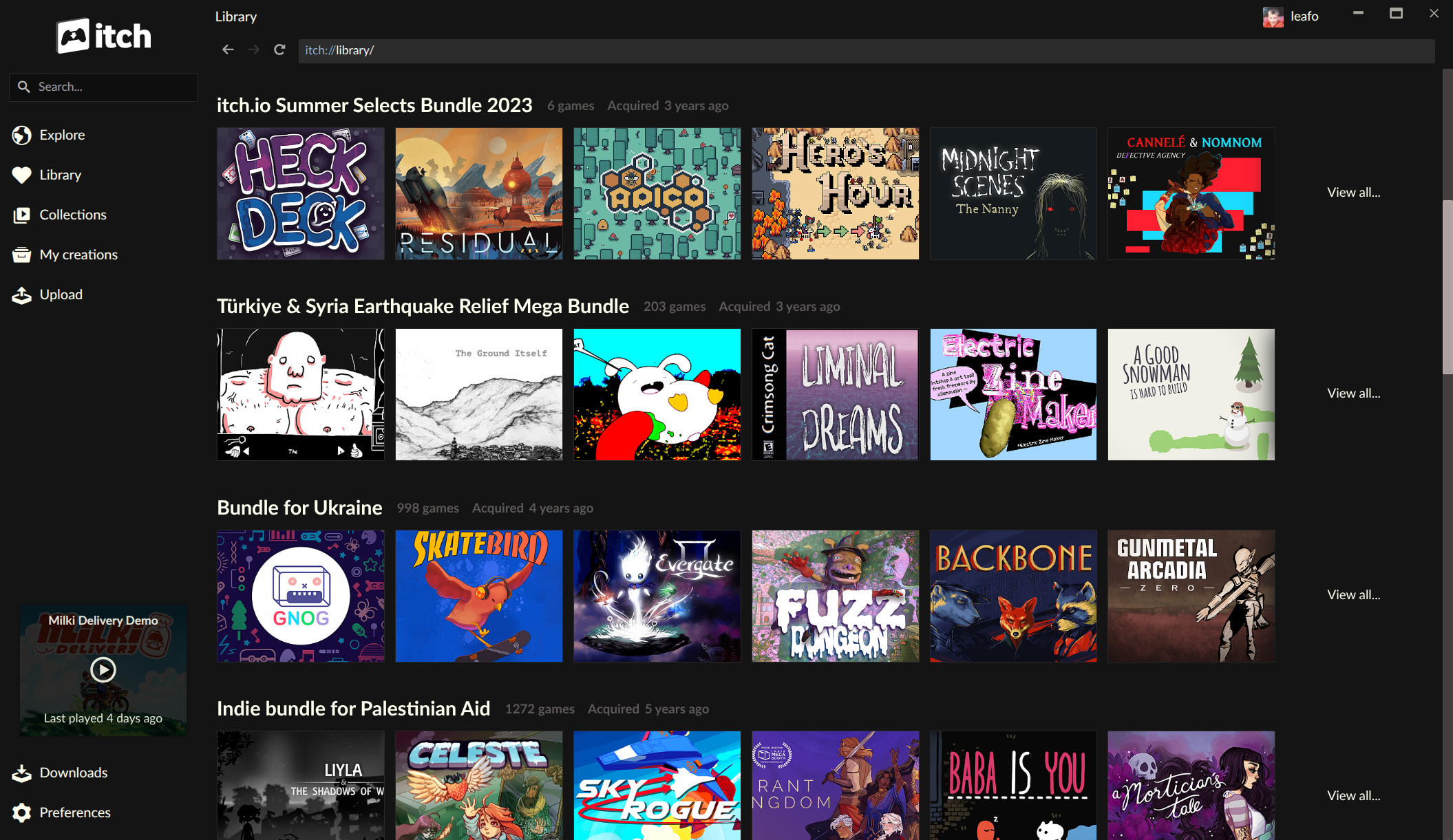
This transformative feature significantly enhances the value proposition for users who have supported itch.io’s large-scale charity bundles. It transforms a previously fragmented collection into an easily navigable and fully integrated part of their digital library, encouraging deeper exploration and engagement with the vast array of content they own. This improved accessibility is also expected to indirectly benefit developers whose games are included in bundles, as their titles are now more discoverable and readily playable by a wider audience within the app. Furthermore, this update arrives alongside recent revamps to itch.io’s bundle hosting tools, providing a more robust and streamlined experience for creators interested in curating their own collections.
Advanced Per-Game Launch Customization: Empowering Power Users
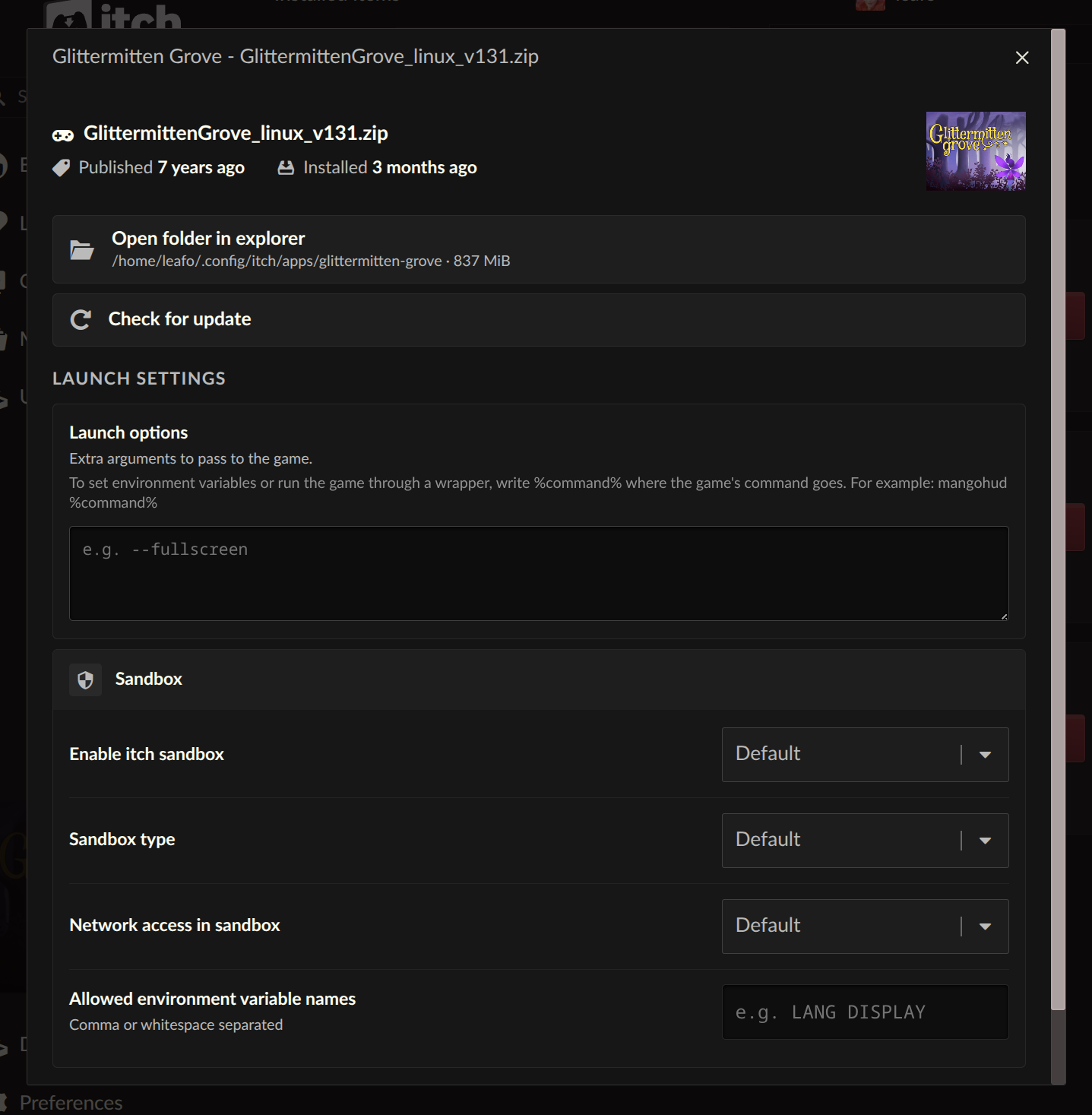
Another highly anticipated feature introduced in these updates is the "Launch settings" area, accessible from the manage dialog for each installed game. This new capability offers users unprecedented granular control over how their games are executed, catering particularly to advanced users, developers, and those seeking to optimize their gaming environment.
Within the Launch settings, users can configure a suite of options on a per-game basis, including:
- Sandbox restrictions: Enhancing security by limiting what a game application can access on the user’s system.
- Network access: Controlling whether a game can connect to the internet, useful for privacy or managing offline play.
- Environment variables: Setting specific system variables that a game might rely on for configuration or debugging, allowing for custom behaviors without altering global system settings.
A standout addition within this feature set is the new "Command pattern" option for launch arguments. This addresses a long-standing request from the community, providing flexibility beyond simply passing arguments directly to a game executable. Users can now provide plain arguments, as before, but also utilize a %command% pattern. This pattern allows users to wrap the game’s launch within another command, effectively enabling the use of compatibility layers, debugging tools, or custom launchers. For instance, Linux users wishing to run a Windows-only game through a compatibility layer like Wine can now configure the itch.io app to launch Wine, which then in turn launches the game executable, all seamlessly integrated within the app’s interface. This level of customization dramatically expands the playability and troubleshootability of games within the itch.io ecosystem.
The implications of these advanced launch settings are far-reaching. They empower users with greater control over their gaming environment, facilitating better compatibility, enhanced security, and more robust debugging capabilities. This feature caters to a demographic of users who appreciate fine-tuning their software, aligning with the indie spirit of experimentation and self-sufficiency often found within the itch.io community.
Expanded Platform Compatibility: Installing Untagged Downloads
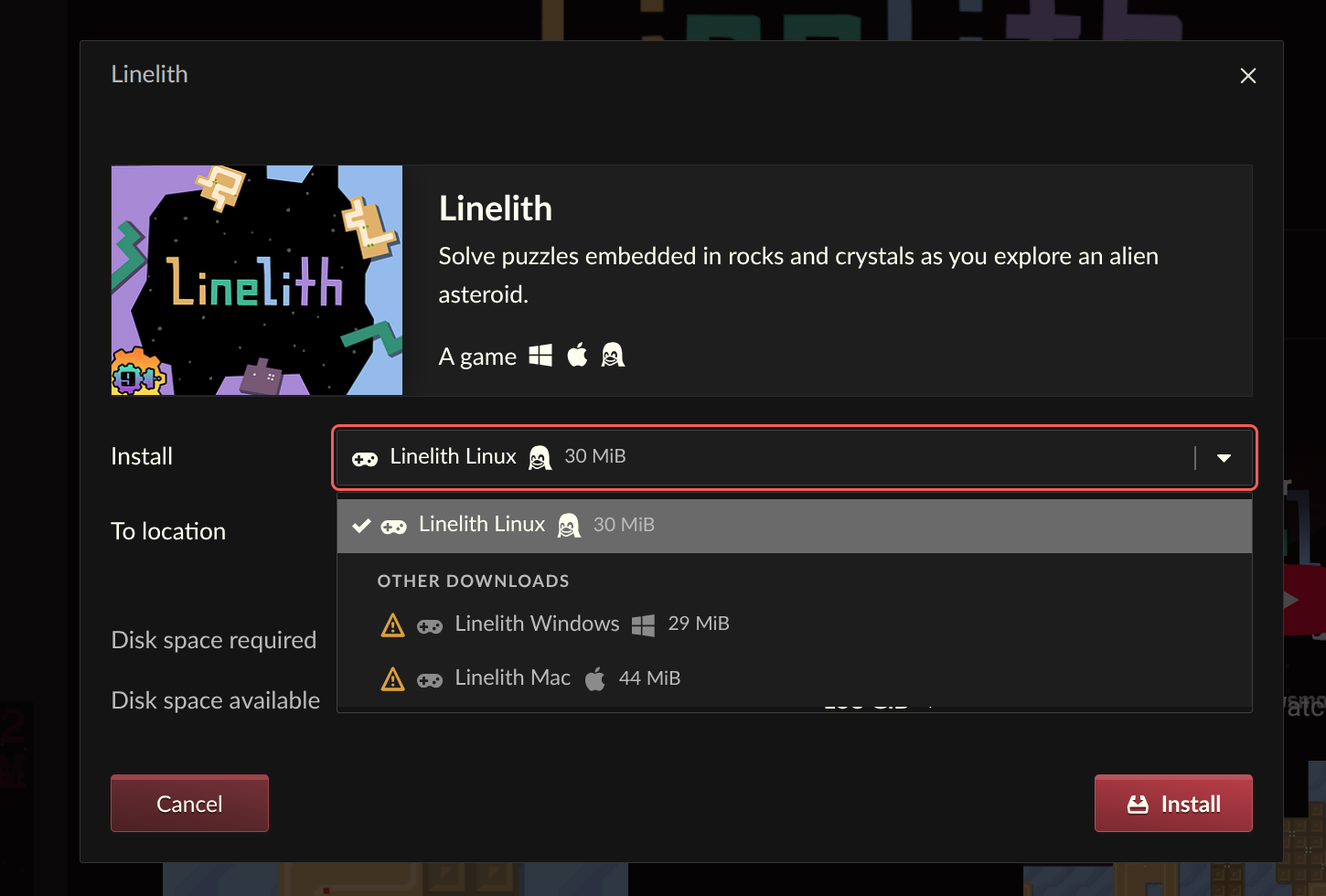
In a move that significantly boosts flexibility for multi-platform users and those leveraging compatibility layers, the itch.io app now allows users to "reveal and install" downloads that are not explicitly tagged for their operating system. Previously, the app would only display and allow installation of game builds that the developer had specifically marked as compatible with the user’s current OS (e.g., Windows builds for Windows users, Linux builds for Linux users).
This new functionality breaks down a significant barrier. If a developer omitted tagging their upload for a specific operating system, or if a user intentionally wants to acquire a build meant for a different OS—such as a Linux user wanting to download a Windows build to run through a compatibility layer like Wine or Proton—they can now do so directly from the install dialog. This eliminates the need to resort to manual downloads from the website or external tools, streamlining the process for a more diverse range of use cases.
The ability to install untagged downloads is particularly beneficial for the growing population of Linux gamers who rely on compatibility tools to access a wider library of titles, or for users who maintain virtual machines or dual-boot setups and wish to manage all their game files through a single interface. This update represents a clear commitment to platform agnosticism and user freedom, reinforcing itch.io’s position as a truly open marketplace.
Refined Navigation: A New Sidebar Search
The updates also include a revamp of the sidebar search functionality within the itch.io app. The previous search implementation relied heavily on the platform’s API autocomplete, which, while functional, often presented search results in a confusing order, making it challenging for users to quickly locate specific items within their library. The development team recognized that "autocomplete works best for things you already have, and everything else should go through the site’s full search experience."
The new sidebar search is designed to be more intuitive and focused. It now prioritizes efficient navigation of the user’s existing library, streamlining the process of finding owned games and bundles. For broader discovery and searching the entire itch.io catalog, users are now gracefully directed to the more comprehensive search capabilities available on the main itch.io website. This strategic separation clarifies the purpose of the in-app search versus the web-based discovery engine, leading to a less cluttered and more effective user experience for both internal library management and external content exploration. The update reflects a thoughtful design choice to optimize each component of the platform for its intended primary use.
Library Page Updates and Future Outlook
While specific details regarding general "Library page updates" were briefly mentioned without explicit bullet points in the original announcement, the overarching theme of these releases points to a holistic improvement in how users interact with and manage their game collections. The enhanced bundle integration, in particular, fundamentally reshapes the library experience for many.
These comprehensive updates, spanning from critical bug fixes to significant feature enhancements, solidify the itch.io app as a robust and increasingly sophisticated platform for independent games. By addressing key community requests and improving foundational aspects like bundle management and launch customization, itch.io reinforces its commitment to providing a powerful, flexible, and user-friendly experience. The continuous development, evident in the rapid deployment of hotfixes and the iterative nature of feature rollouts, underscores a proactive approach to maintaining a high-quality desktop application. Users are encouraged to download or update the app from itch.io/app to experience these improvements firsthand, with full changelogs available on GitHub for v26.15.0 and v26.17.0. The platform’s ongoing evolution suggests a continued investment in its app ecosystem, promising further enhancements in future updates.
About the Author