Meta has officially expanded the performance envelope of the Meta Quest 3 through a software-driven update that enables display refresh rates exceeding 200Hz. This development positions the Quest 3 as a leader in standalone virtual reality (VR) performance, allowing for a default maximum refresh rate of 207Hz and an experimental developer-facing mode that reaches 240Hz. While ultra-high refresh rates have traditionally been the domain of high-end tethered PCVR headsets, such as the Valve Index, this update marks the first time a mainstream standalone device has achieved such high-frequency display output.
The Evolution of Standalone VR Display Standards
The progression of refresh rates in the Meta Quest lineup reflects the rapid advancement of mobile processing power and display technology. The original Oculus Quest launched in 2019 with a standard refresh rate of 72Hz. Its successor, the Quest 2, initially supported 72Hz and 90Hz, eventually adding 120Hz support through subsequent firmware updates. The Quest 3, powered by the Snapdragon XR2 Gen 2 chipset, launched with native support for 90Hz and 120Hz.
The leap to 207Hz and 240Hz represents a significant technical milestone. High refresh rates are critical in VR for reducing motion-to-photon latency—the delay between a user’s movement and the corresponding update on the display. By increasing the frequency at which images are refreshed, the system provides a smoother visual experience, which is widely recognized as a key factor in reducing motion sickness and increasing immersion.
Technical Specifications and Operational Requirements
The new update introduces two distinct tiers of high-frequency operation. The first is a 207Hz mode, which is the maximum default rate accessible to developers through the standard Meta SDK. The second is an experimental 240Hz mode, which requires manual intervention via command-line interfaces to activate.
To utilize these extended frame rates, specific hardware and software conditions must be met:
- Hardware Compatibility: These modes are currently exclusive to the Meta Quest 3.
- System Settings: Battery Saver mode must be disabled, as the increased processing demand significantly impacts power consumption.
- Environment: Mixed Reality (Passthrough) features must be turned off. The computational overhead of processing real-time camera feeds alongside high-frequency rendering currently exceeds the device’s thermal and processing limits.
- API Support: Developers have noted that the Vulkan graphics API provides greater stability for these modes compared to legacy OpenGLES implementations.
The Unity Cube: A Case Study in High-Frequency Rendering
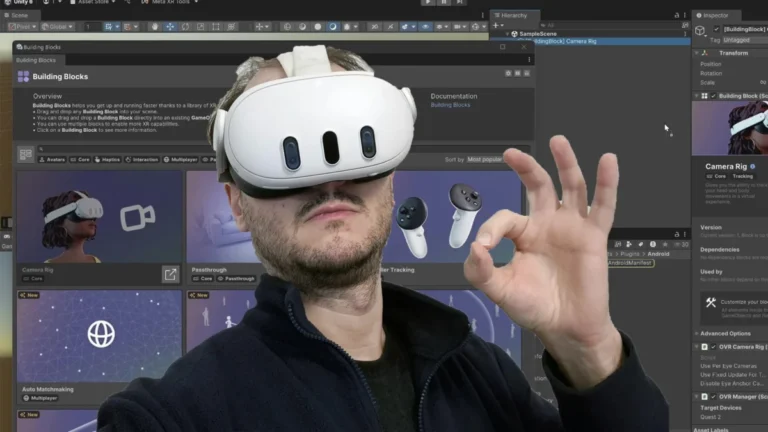
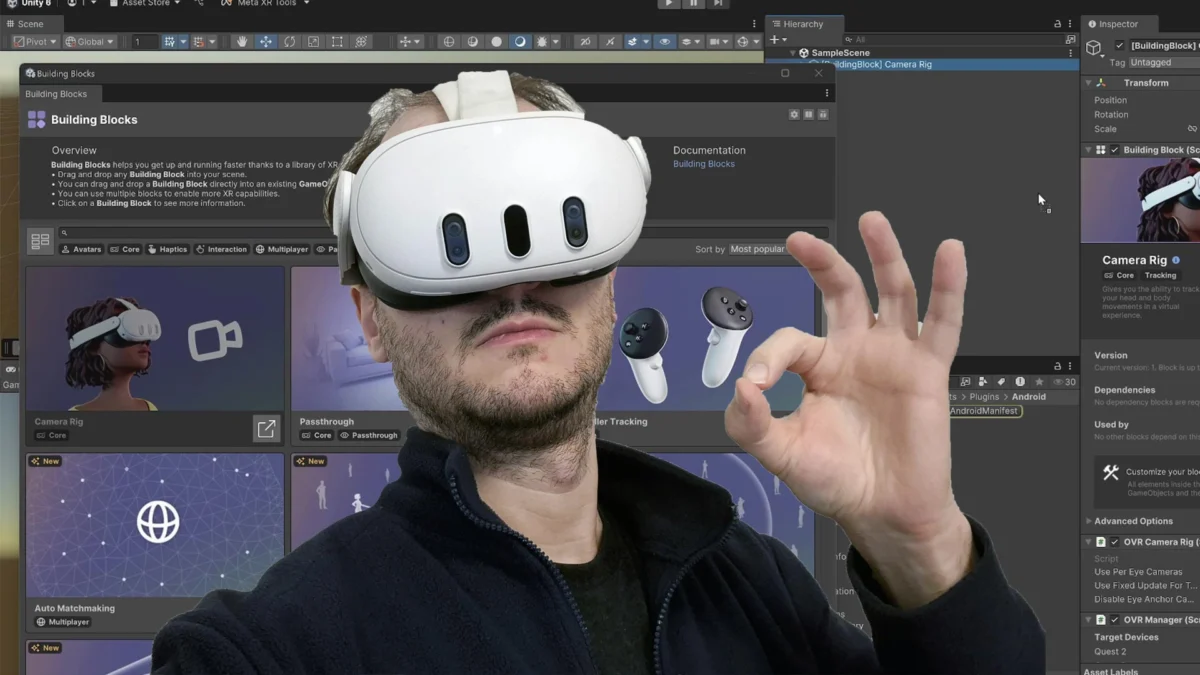
The technical feasibility of these new rates was recently demonstrated by the application "The Unity Cube," which has become one of the first titles on the Meta Horizon Store to support the 200+Hz threshold. Developed by industry veteran Antony Vitillo, the application serves as a minimalist benchmark. Because the app renders a simple geometric object, it minimizes GPU bottlenecks, allowing the hardware to focus entirely on maintaining the target frame rate.
The update to The Unity Cube involved migrating the project to the latest Unity 6 engine and the most recent Meta SDK. Upon launching the updated version, the application initiates at a standard 72Hz before transitioning to the 207Hz mode. This transition is marked by a brief visual glitch as the display driver synchronizes with the new frequency, followed by a noticeable increase in motion fluidity.

Implementation Procedures for Developers
For developers seeking to integrate these high refresh rates into their applications, Meta has provided updated documentation for both Unity and Unreal Engine. The implementation is primarily handled through specific API calls that request a change in display frequency from the VR runtime.
In Unity, the process involves querying the device’s supported frequencies and selecting the desired rate. However, early testing suggests that a direct call at startup may lead to system instability. Best practices now recommend a staggered implementation:
- Implementing a brief delay (e.g., one second) after application startup before requesting the high refresh rate.
- Conducting hardware checks to ensure the code only executes on supported Quest 3 devices.
- Utilizing the Vulkan rendering path to prevent random application crashes.
For the 240Hz experimental mode, developers and power users must use Android Debug Bridge (ADB) commands. By setting the debug.oculus.forceDisplayScaling to 1 and debug.oculus.refreshRate to 240, the headset is forced into the maximum possible frequency across the entire system, including the Home environment.
Performance Observations and Technical Challenges
Initial hands-on testing of the 207Hz and 240Hz modes reveals a dual-edged sword of improved immersion and technical artifacts. Users report that the virtual environment feels significantly more "reactive" and "smooth," drawing comparisons to the high-end Valve Index’s 144Hz mode. The increased frequency makes the virtual world feel more grounded, and the transition back to standard 72Hz or 90Hz often results in a perceived "stuttering" effect as the eye adjusts to the lower temporal resolution.
However, several technical limitations persist:
- Visual Ghosting: At 200+Hz, a "trail" or "halo" effect has been observed when users rotate their heads rapidly. This is likely due to the pixel persistence limits of the Quest 3’s LCD panels, where the liquid crystals cannot change state fast enough to keep up with the frame transitions.
- Hand Tracking Jitter: While controller tracking remains robust, hand tracking algorithms—which rely on camera-based computer vision—appear to struggle with the high-frequency display update, leading to a "jumping" sensation in hand movement.
- Performance Stability: Maintaining 207Hz is extremely demanding. Even minor system interruptions, such as the activation of the Guardian boundary, can cause the frame rate to drop by half to maintain system stability.
Broader Implications for the XR Industry
The introduction of 240Hz support on a standalone headset has significant implications for the future of the Extended Reality (XR) market. First, it demonstrates Meta’s commitment to "future-proofing" its hardware through software optimization. By unlocking latent capabilities of the display driver and the Snapdragon chipset, Meta extends the lifecycle and value proposition of the Quest 3.
Second, this update targets the competitive gaming and esports segment of the VR market. In fast-paced titles such as rhythm games or first-person shooters, the reduction in latency provided by a 240Hz refresh rate can offer a tangible competitive advantage.
Finally, the move sets a new benchmark for competitors in the standalone space, such as Pico and HTC. As the industry moves toward more realistic simulations and professional training applications, the demand for higher refresh rates will likely become a standard requirement rather than an experimental feature. While currently limited to simple applications like The Unity Cube, the groundwork laid by this update paves the way for more complex, highly optimized experiences that could eventually leverage these "crazy" framerates to achieve unprecedented levels of realism.
About the Author